Children love surprises, and a random object generator turns learning into one. Instead of a worksheet, a child taps a button and out pops a friendly, familiar thing — a balloon, a turtle, an ice cream cone — ready to draw, describe or act out. The novelty holds attention far longer than a fixed list ever does.
This guide covers the safety settings that matter, games organised by age, how to use one at home or in a classroom, and honest limits on screen time.
Making It Safe First
Before anything else, switch on the kid-friendly filter. This is not a cosmetic setting. It restricts the pool to simple, familiar, classroom-safe objects a young child can recognise, name and draw without help, and it removes anything obscure, technical or unsuitable.
The reason it matters is practical as much as protective. An unfiltered generator will eventually produce a sextant or a carburettor — not harmful, but bewildering to a six-year-old and enough to break the flow of a game. Filtering keeps every result usable.
Two further reassurances worth knowing. A browser-based generator runs entirely on the device, so nothing a child does is uploaded anywhere, and no account or sign-up is required. There is no profile being built and no data leaving your home.
The filter is not just about safety. It is about making sure every single prompt is one the child can actually do something with.
Games by Age
Ages 3–5
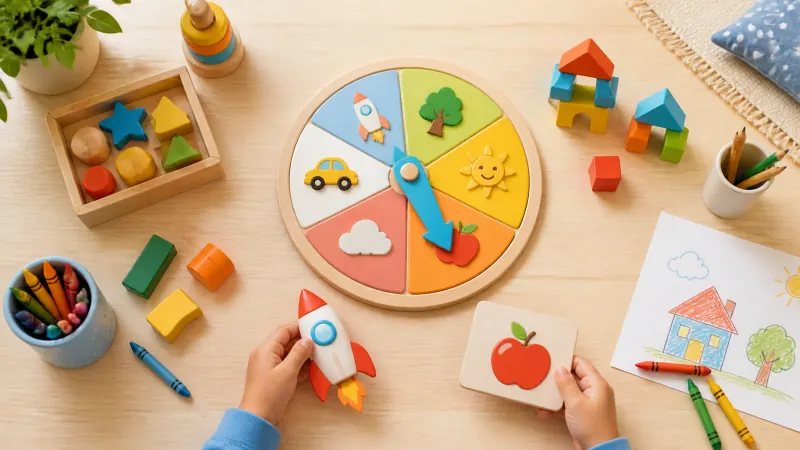
Name it. Generate one object and ask the child to name it and make its sound or mime its use. Builds vocabulary and confidence.
Find something similar. Generate an object and hunt around the room for something the same colour or shape. Turns screen time into movement.
Colour it in. Generate one object and draw it together on paper, then colour it. The child does not need to draw well — naming and describing is the learning.
Ages 6–8
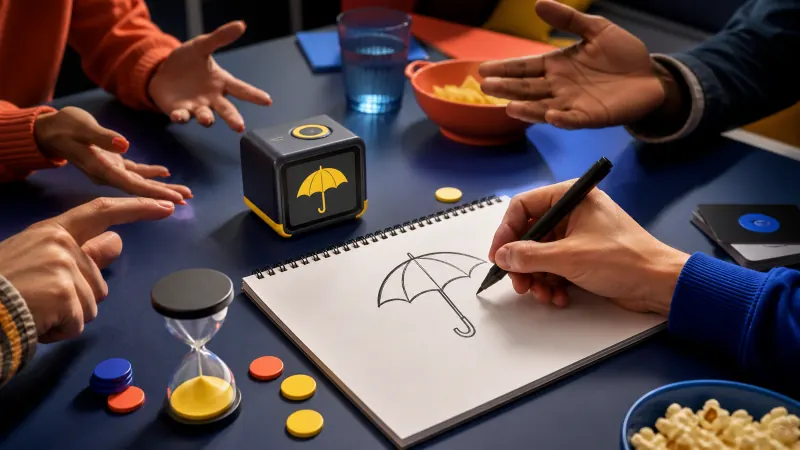
Draw and guess. One child draws the object while others guess. Simple, endlessly repeatable, and requires nothing but paper.
Silly stories. Generate three objects and build a short story that includes all three. Encourages sequencing and imagination.
Sorting game. Generate eight objects and sort them into groups the child invents — things that float, things in the kitchen, things with wheels.
Alphabet hunt. Generate objects and write each one under its starting letter. Useful early literacy practice disguised as a game.
Ages 9–12
Twenty questions. An adult generates an object secretly; the child narrows it down with yes-or-no questions. Excellent for logical reasoning.
Invention challenge. Generate two objects and design something that combines them, then explain why it is useful.
Describe without naming. Explain an object so others can guess, without saying its name. Genuinely challenging and great for vocabulary.
Drawing challenge. Generate five objects and give two minutes each. A gentle introduction to timed practice.
Choosing Settings by Age
| Age | Objects per draw | Settings |
|---|---|---|
| 3–5 | 1 | Kid-friendly on, no filters |
| 6–8 | 3–5 | Kid-friendly on, no-repeat on |
| 9–12 | 5–10 | Kid-friendly optional, add categories |
| Mixed group | 8–12 | Kid-friendly on so every player can play |
For a mixed-age group, keep the filter on regardless of the oldest child present. Older children are not disadvantaged by simple objects, but younger ones are completely blocked by difficult ones.
Using It at Home
The tool works best in short bursts rather than long sessions. A few natural moments:
- Waiting anywhere. A restaurant, a waiting room, a queue — one object and a napkin drawing fills ten minutes.
- Car journeys. Twenty questions with a generated object needs no screen after the first tap.
- Rainy afternoons. Generate ten objects and make a scavenger hunt from the ones you own.
- Before bed. Three objects, one made-up story. Calmer than most screen activities.
An Honest Word on Screen Time
The generator is a prompt source, not an activity in itself. Used well, it produces about three seconds of screen time followed by ten minutes of drawing, talking or moving around. If a child is staring at the screen pressing the button repeatedly, the tool has become the game — which is worth redirecting.
A simple rule that works: press once, then put the device down before starting. Generating a batch of ten objects at the start of a session and working from paper is even better.
What Children Actually Learn
These games look like play, and they are — but each one develops something specific, which is worth knowing when you want to steer towards a particular skill.
| Game | What it develops |
|---|---|
| Name it | Vocabulary recall and pronunciation confidence |
| Sorting game | Classification and reasoning about categories |
| Describe without naming | Descriptive language and working around gaps |
| Silly stories | Sequencing, narrative structure, imagination |
| Twenty questions | Deductive logic and question formation |
| Invention challenge | Creative problem-solving and justification |
The sorting game is quietly the most valuable of these. Asking a child to invent their own categories, rather than fill in ones you supply, is genuine higher-order thinking — and children usually produce groupings adults would never have considered.
In the Classroom
For teachers, a shared seed lets every child generate the same objects on their own device, so the whole class works from identical prompts with no handouts. Our classroom guide covers structured activities in more detail, and the Pictionary guide is useful for larger groups and party settings.
Frequently Asked Questions
Is it really safe for young children?
With the kid-friendly filter on, results are limited to simple everyday objects. There are no ads, no external links inside the tool, no account and no data collection.
What age can children use it independently?
Around seven or eight, once reading is comfortable. Younger children get more from it with an adult reading the prompt aloud and joining in.
Does it need an internet connection?
Only for the first load. After that it keeps working offline, which is useful in cars and on holiday.
Can I print the objects for a party or classroom?
Yes. Objects can be downloaded as cards or exported as a plain list, and the names are ordinary words you can use freely.
What if a child gets an object they do not know?
Treat it as the best moment in the game. Explaining an unfamiliar object together is more valuable than a prompt they already knew.
Try One Round
Open the Object Generator, switch on kid-friendly, draw a single object, and ask your child to draw it. That is the whole activity — and it is usually enough to fill the next twenty minutes.